Walk into almost any busy OPD in India before 10 a.m. and you will see the same scene: a receptionist with a register, a stack of printed token slips, and a crowd of patients asking which number is running. An OPD token system that lives on a screen instead of on paper keeps the familiar token model patients already understand, but removes the crowding, the guesswork and the arguments about who came first.
This article explains how a digital OPD token system works, how it differs from paper tokens, how to handle walk-ins, phone bookings and missed turns, and how to switch over without slowing down a working front desk. It is written for clinic owners, OPD managers and front-desk leads.
Why tokens still make sense in an OPD
Tokens are popular for good reasons. Patients understand them instantly. They suit clinics where consultation length varies a lot from patient to patient, and they let a doctor see people in arrival order without the pressure of fixed times. In a busy paediatric or general practice, a strict appointment schedule can fall apart within the first hour.
The weakness of paper tokens is not the token itself. It is that the number is only visible to the person holding the slip and the person holding the register. Everyone else has to ask.
Where paper tokens break down
- No live position. A patient holding token 27 has no idea whether the doctor is on 12 or 25.
- Multiple doctors, multiple registers. Each doctor's tokens are tracked separately, and moving a patient from one doctor to another means crossing out and rewriting.
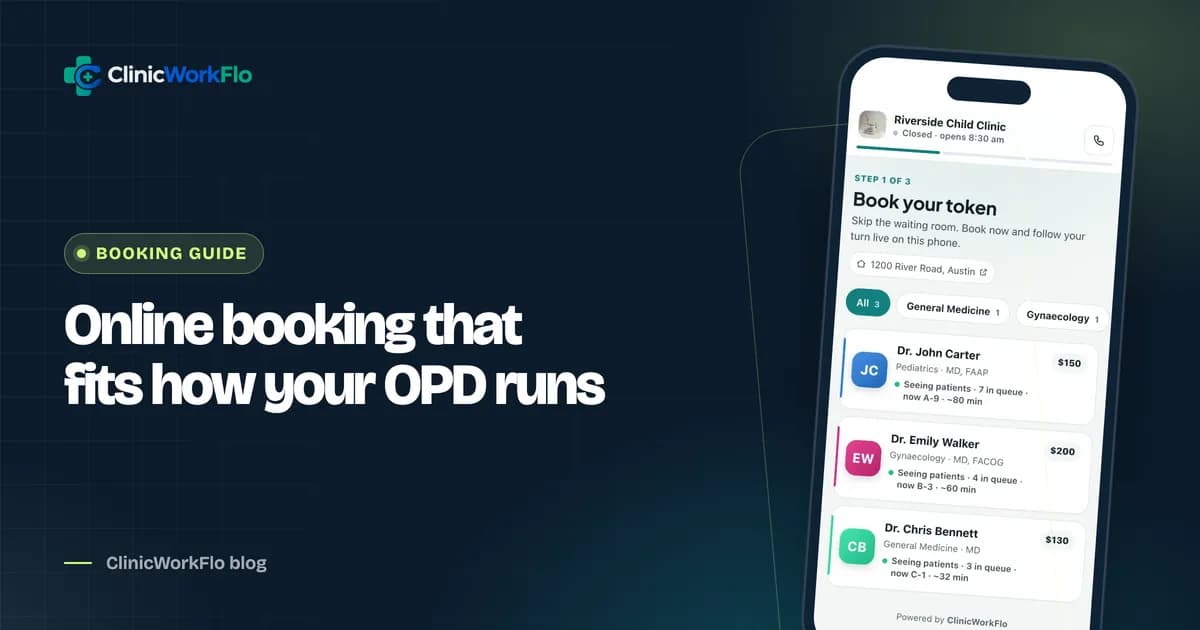
- Phone bookings in a notebook. Patients who called ahead are on a different list and have to be slotted in by memory. Online booking adds a third list unless it feeds the same queue; see online appointment booking for clinics.
- Missed turns cause friction. When a patient steps out and misses their number, there is no fair, consistent rule for bringing them back.
- No history. At month end, nobody can say how many patients did not turn up or how long people waited.
If you are planning to move your token desk off paper, schedule a 30-minute meeting and we will show you a digital token day built around your OPD sessions.
How a digital OPD token system works
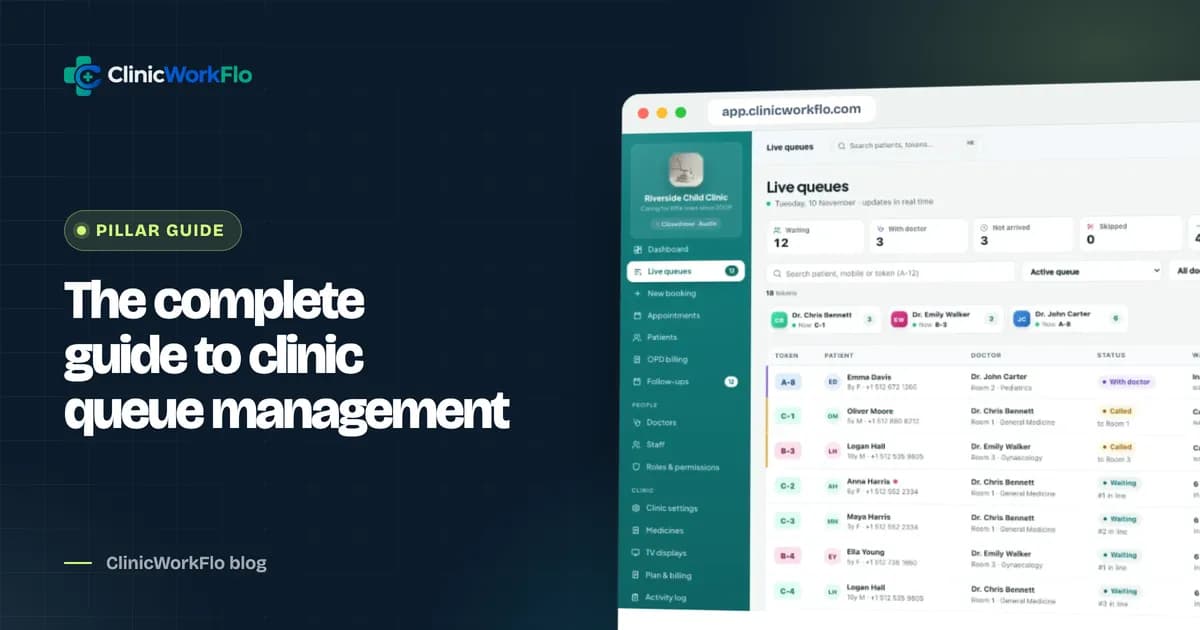
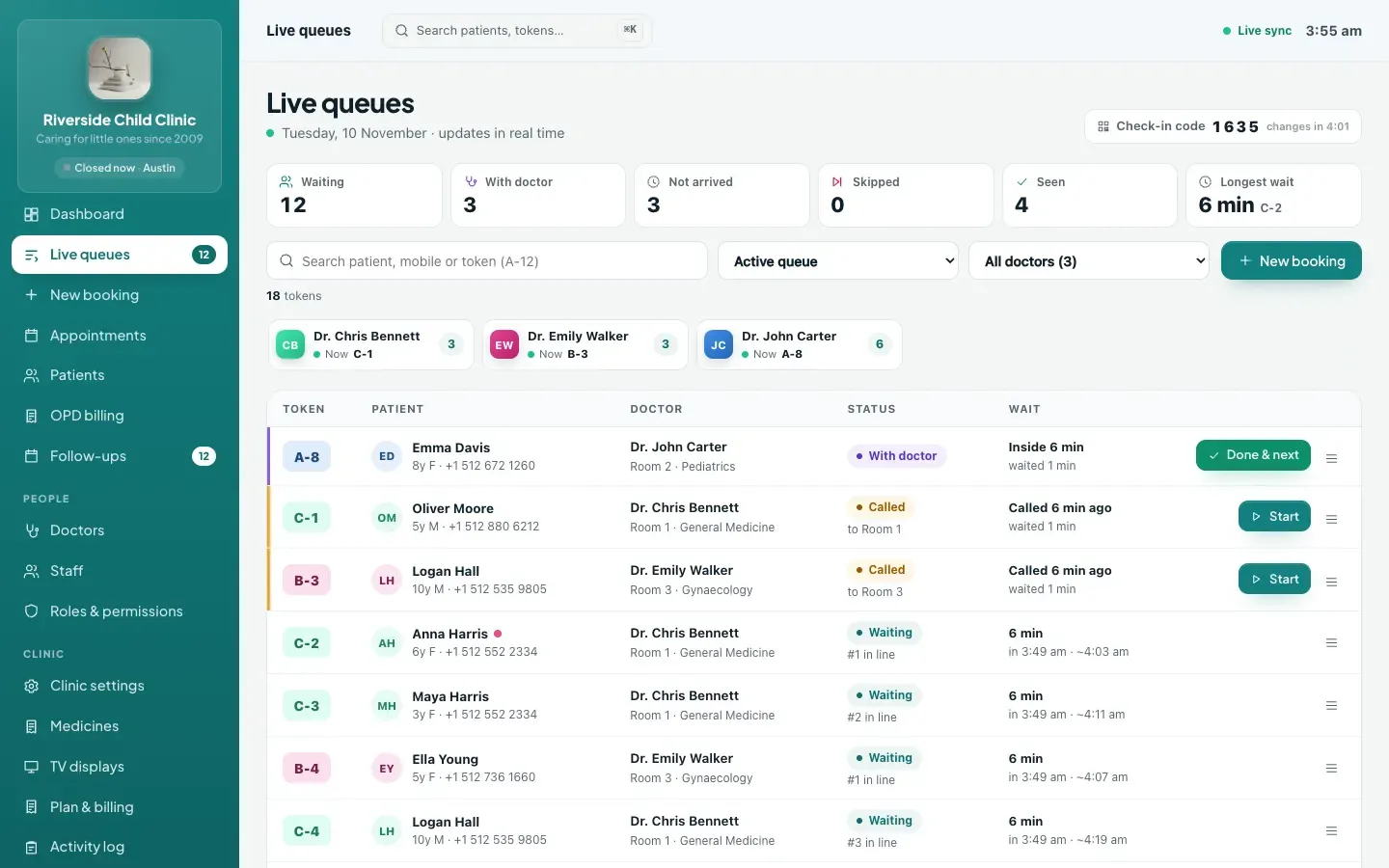
A digital OPD token system keeps the token number but puts the queue in software. Each doctor has a live list. Every token carries a status, and every action at the desk or in the consultation room updates that status for everyone at once.
The life of a token
- Booked: the token exists (from the desk, a phone call or online) but the patient has not arrived yet.
- Waiting: the patient has checked in at the desk or by scanning a QR code.
- Called: the doctor or reception has called the token; the waiting-room display shows it.
- In consultation: the doctor has started the visit.
- Done: the visit is complete. The next patient can be called straight away.
Patients can also move themselves from booked to waiting by scanning a QR code at the desk, which we cover in our guide to patient self check-in.
Two more outcomes cover real life: skipped (called but not present) and no-show (never arrived by the end of the day). Cancelled tokens are kept with a reason, so nothing disappears silently.
Token prefixes per doctor
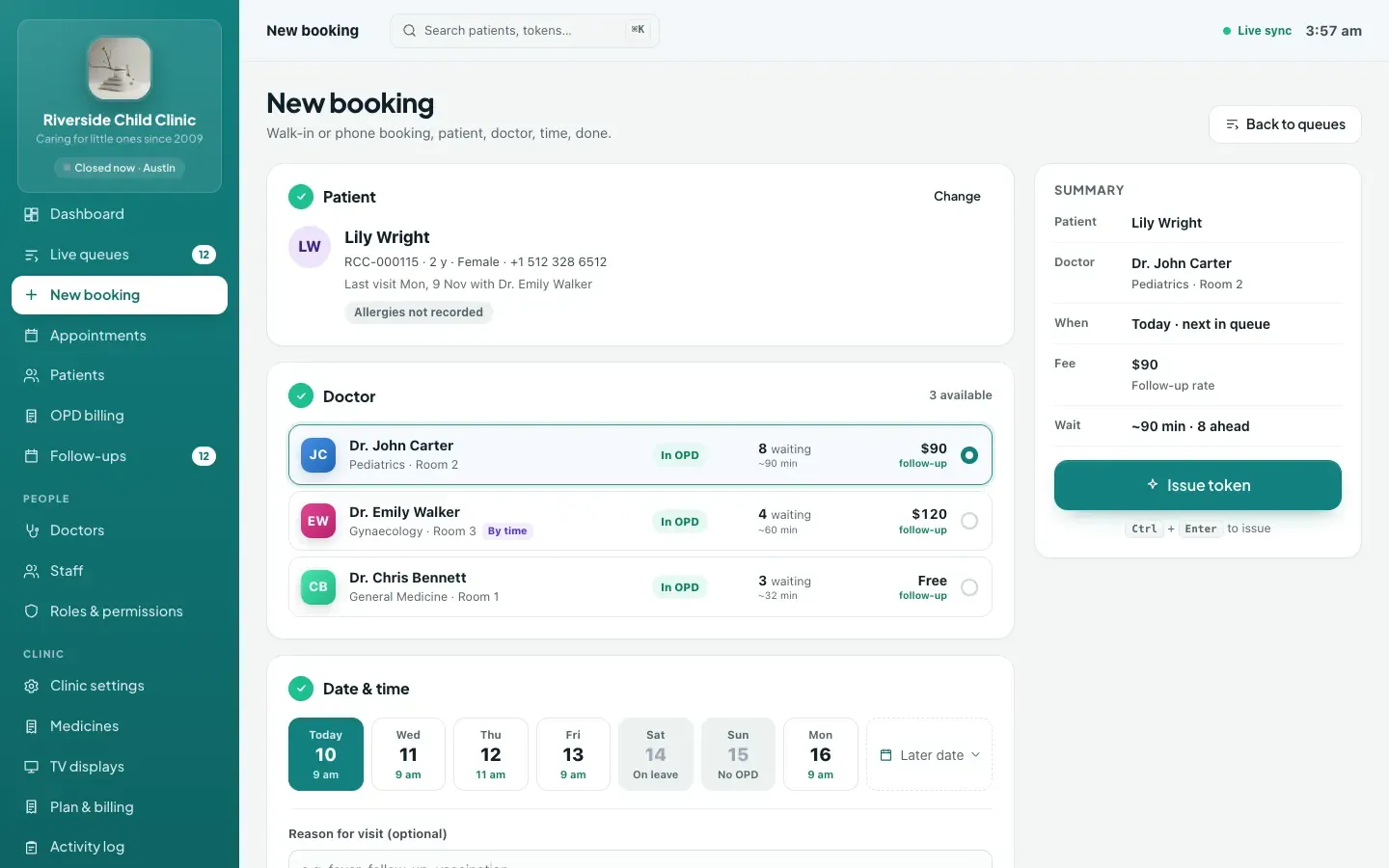
In a multi-doctor clinic, give each doctor a short prefix, so tokens read A-12, B-07 and so on. Patients immediately know which line they are in, and staff can say "B-07, Room 2" without confusion. The prefix also appears on the waiting-room display and on the patient's tracking link.
Paper tokens vs digital OPD token system
| Task | Paper tokens and register | Digital OPD token system |
|---|---|---|
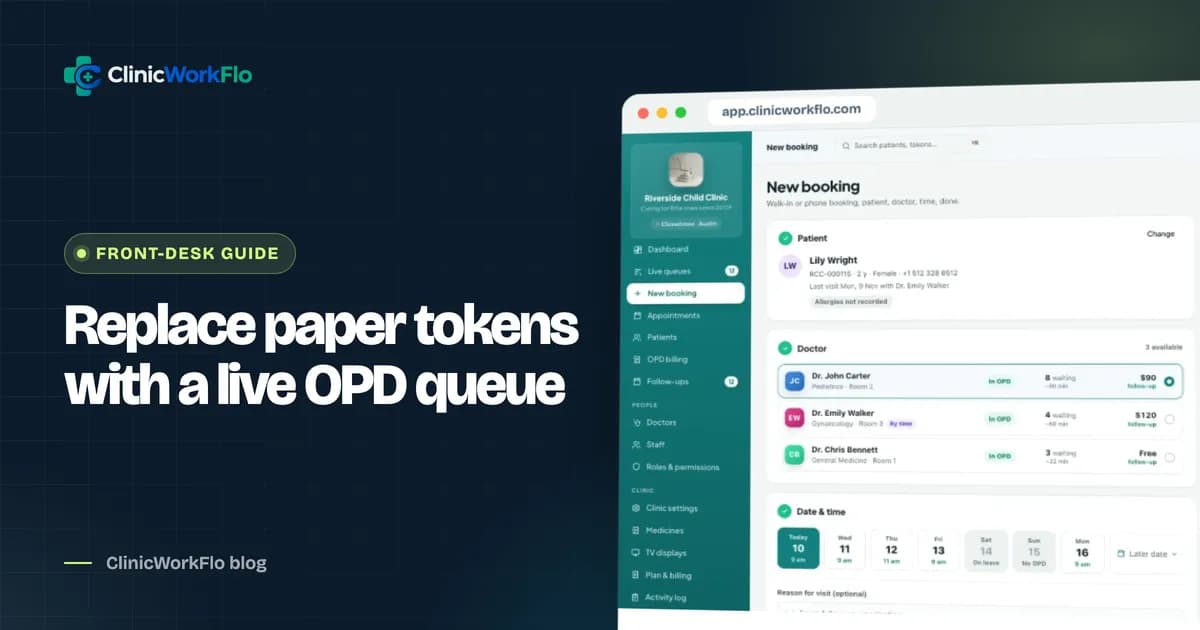
| Issue a walk-in token | Write in register, tear a slip | Search the patient by mobile, pick the doctor, token issued |
| Phone booking | Separate notebook | Booked into the same queue, marked as a phone booking |
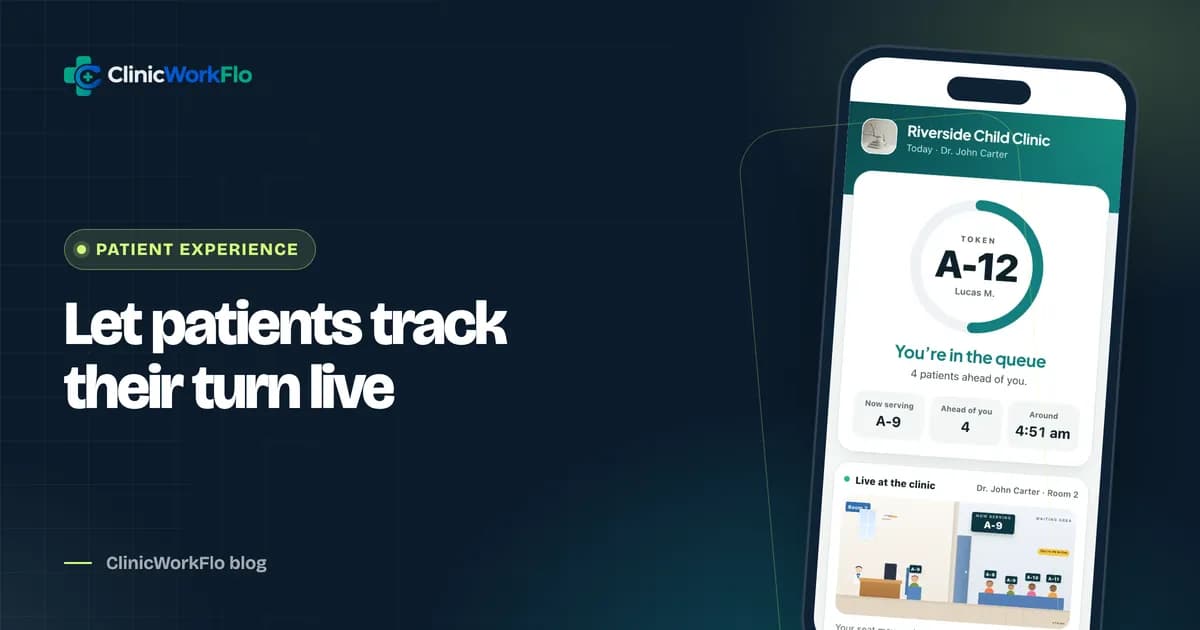
| Tell a patient their position | Patient asks at the desk | Patient sees it on a live tracking link and the TV |
| Patient misses their turn | Depends on who is at the desk | Skip, then recall to the front when they return |
| Move a patient to another doctor | Cross out and rewrite | Move: a new token with the other doctor, old one cancelled |
| Doctor takes a short break | Patients wonder why the line stopped | Pause the queue; the display and tracking pages reflect it |
| End-of-day record | Count the register by hand | No-shows marked automatically; history per doctor and day |
Handling the tricky moments at the front desk
Walk-ins on a fully booked day
Set a daily limit per doctor so online booking stops when the doctor is full. Reception can still issue a token beyond the limit when the doctor agrees, with a clear warning that the limit is being exceeded. This protects the doctor's day without turning away a genuinely unwell patient.
The patient who steps out
When a called patient is not present, skip the token and call the next one. When they come back, recall the token. A recalled token goes to the front of that doctor's line, so the patient is seen next without anyone else losing their place. Having one consistent rule removes most front-desk arguments.
One family, one mobile number
Indian families often share a single mobile number for children and elderly parents. A good system keeps each person as a separate patient record but groups them under the same contact number, so reception types the number once and picks the right family member.
Doctor leave and early closing
When a doctor is on leave or has to close early, the affected tokens need to be cancelled and the patients told. In ClinicWorkFlo, marking leave or using "Close today" lists the affected patients, and reception can open a pre-filled WhatsApp message for each one with a single click. The staff member sends each message from their own WhatsApp; nothing is sent automatically.
Switching from paper to a digital token system: a 5-step plan
- Prepare the doctor list. Add each doctor with a token prefix, room, OPD sessions and average consultation time. This takes minutes per doctor.
- Load patients as they come. You do not need to import an old register. Register each patient the first time they visit; the system checks for likely duplicates before saving.
- Run the desk digitally, keep slips for a week. Issue every token in the system, and print or write a slip if patients expect one. Call from the live queues screen.
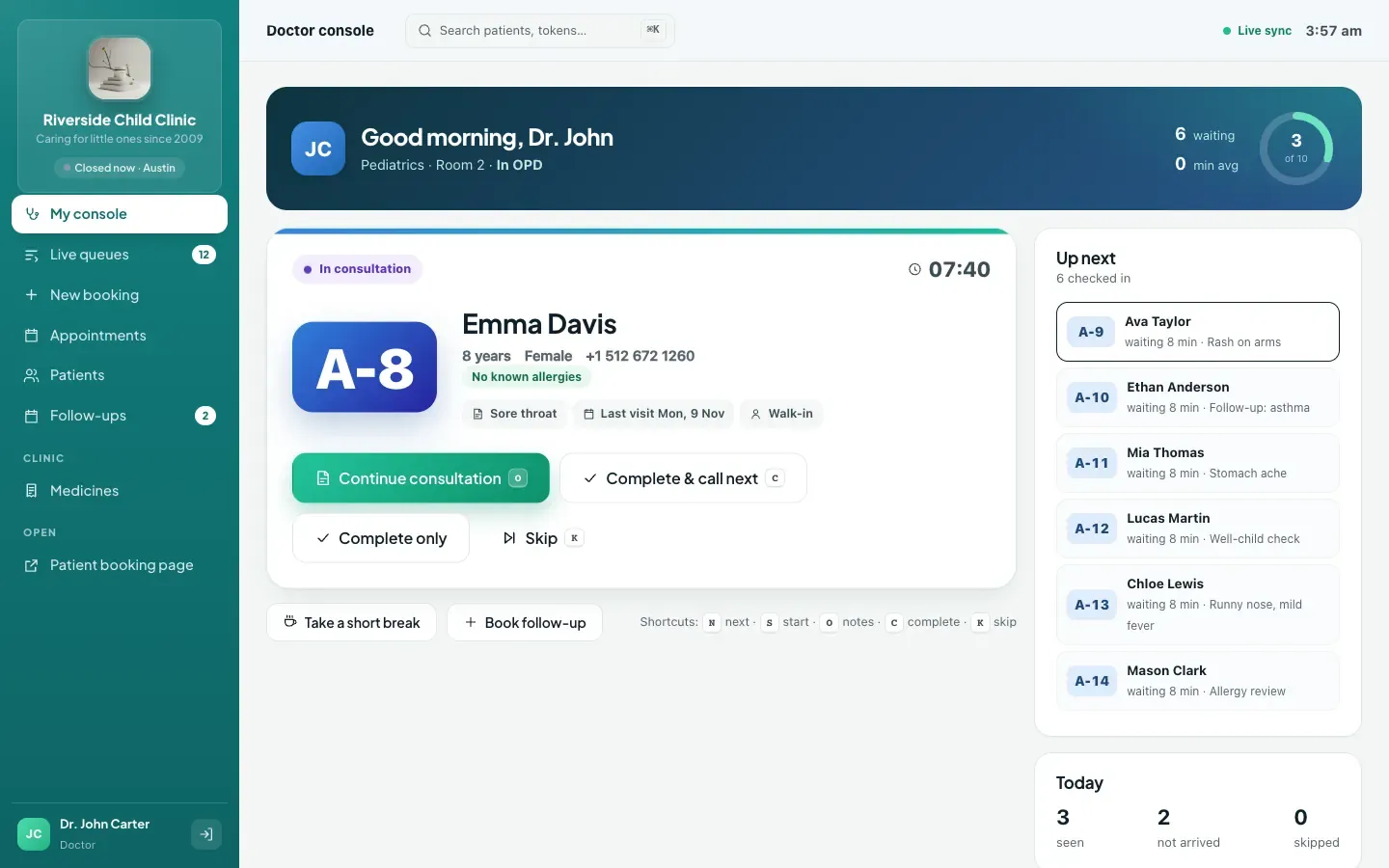
- Move calling to the doctor. Once reception is comfortable, doctors can call, start and complete from their own console, with keyboard shortcuts if they like.
- Give patients the live view. Share each token's tracking link by WhatsApp (see real-time patient queue tracking) and pair a waiting-room TV (see our token display system guide). Slips become optional.
Front-desk checklist for the first busy day
- Every doctor has today's session set and is not accidentally marked on leave.
- Reception knows how to skip, recall, cancel with a reason, and move a token to another doctor.
- The daily limit for each doctor is agreed and entered.
- The TV is paired and shows the right doctors.
- Someone has practised registering a new family member on an existing number.
If you want a second pair of eyes on your switch-over plan, talk to our team and we will map it to your OPD timings.
Measuring whether your token system is working
After the first month, look at a few simple numbers for each doctor rather than chasing a long report:
- Average wait from check-in to being called.
- Average consultation time from start to complete.
- No-shows and how they vary by day of the week.
- Busiest hours, so you can plan staff and sessions.
- Token sources: how many came as walk-ins, phone, online or QR self check-in.
These figures are a by-product of using the system normally. Nobody has to fill in an extra form.
How ClinicWorkFlo helps
ClinicWorkFlo is built around the OPD token. It keeps the model your patients already know and adds the live visibility a paper register cannot give. Specifically, it offers:
- Token queues per doctor with your own prefixes, rooms and daily limits, plus the option to run any doctor on time slots instead.
- All sources in one line: walk-in, phone, online and QR self check-in tokens share the same queue, and reception sees where each one came from.
- Clear queue actions: check in, call next, call again, skip, recall to the front, start, complete and "complete and call next", with one patient inside per doctor.
- Move and reschedule: move a token to another doctor, or reschedule a booking that has not arrived, while the patient keeps the same tracking link.
- Short breaks and leave: pause a doctor's queue, mark leave or close today, and notify affected patients through pre-filled WhatsApp messages sent by your staff.
- Patient registry with family members on one mobile number, medical record numbers and duplicate detection.
- A doctor console and a waiting-room TV display that update the moment a token is called.
- Automatic day close: tokens that never arrived become no-shows at the end of the clinic's day.
Every token also gets a private tracking link the patient can open on their phone. You can see how the pieces fit together in our complete guide to clinic queue management systems, or browse all modules on the features page.
Want to see your own doctors' tokens running on it? Book a 30-minute meeting and we will set up a sample day with your OPD sessions.
Frequently asked questions
What is an OPD token system?
An OPD token system gives each outpatient a numbered token for a specific doctor and calls patients in token order. A digital version keeps the queue in software, so reception, the doctor, the waiting-room screen and the patient's phone all show the same live position.
Can we still give patients a printed token slip?
Yes. Many clinics hand over a slip during the first weeks because patients expect one. With ClinicWorkFlo, reception can also send the token and its live tracking link on WhatsApp in one click, which many patients find more useful than paper.
How are walk-ins and booked patients ordered in the same queue?
Each doctor has one queue. Checked-in patients are called in order of their slot time or token number, and a recalled patient goes to the front. Booked patients who have not checked in yet are not called, so the doctor never waits on someone who is not in the building.
What happens to tokens for patients who never arrive?
At the end of the clinic's day, ClinicWorkFlo automatically marks tokens that were booked but never checked in as no-shows. They stay in the history, so you can see no-show patterns by doctor and by day.
Can a doctor call the next token without a receptionist?
Yes. The doctor console lets a doctor call next, start, complete, skip and call again, including with single-key keyboard shortcuts. Solo doctors often run their whole OPD this way.
Conclusion
An OPD token system does not have to mean a register and a pile of slips. Keeping the token model while moving the queue into software gives patients a live view, gives doctors control of their own line, and gives the front desk consistent rules for missed turns, breaks and leave. Start with one doctor if you like, then bring the rest of the clinic across once the desk is comfortable.
Have questions about your setup? Contact us, or schedule a 30-minute meeting and we will show you a digital token day built around your clinic.