In many clinics, billing is the least organised part of the day. Fees are collected in a cash drawer, UPI payments arrive on a personal phone, discounts are given verbally, and the end-of-day total rarely matches the register on the first attempt. OPD billing software brings consultation fees, services, discounts and payments into one place, linked to each patient's visit, so the money side of the OPD is as clear as the queue.
This guide explains what OPD billing software should handle, how to set up new-visit and follow-up fees, how to control discounts without slowing reception, how to deal with part payments and dues, and how to close the day with confidence. It is written for clinic owners, practice managers and accounts staff.
Why OPD billing goes wrong on paper
OPD billing looks simple: a consultation fee, perhaps a service or two, and a payment. The problems come from volume and exceptions:
- Follow-up fees applied inconsistently, because nobody can quickly check when the patient last visited.
- Discounts without a record of who gave them or why.
- UPI payments that cannot be matched to a patient later.
- Part payments forgotten when the patient promises to pay the rest next time.
- Cash totals that do not reconcile because a bill was changed or cancelled without a note.
None of these is fraud in most clinics; they are gaps in the process. Software closes the gaps by making the right action the easy one.
If any of these sound familiar, schedule a 30-minute meeting and we will show you how bills, payments and day-end totals fit together in one place.
What OPD billing software should handle
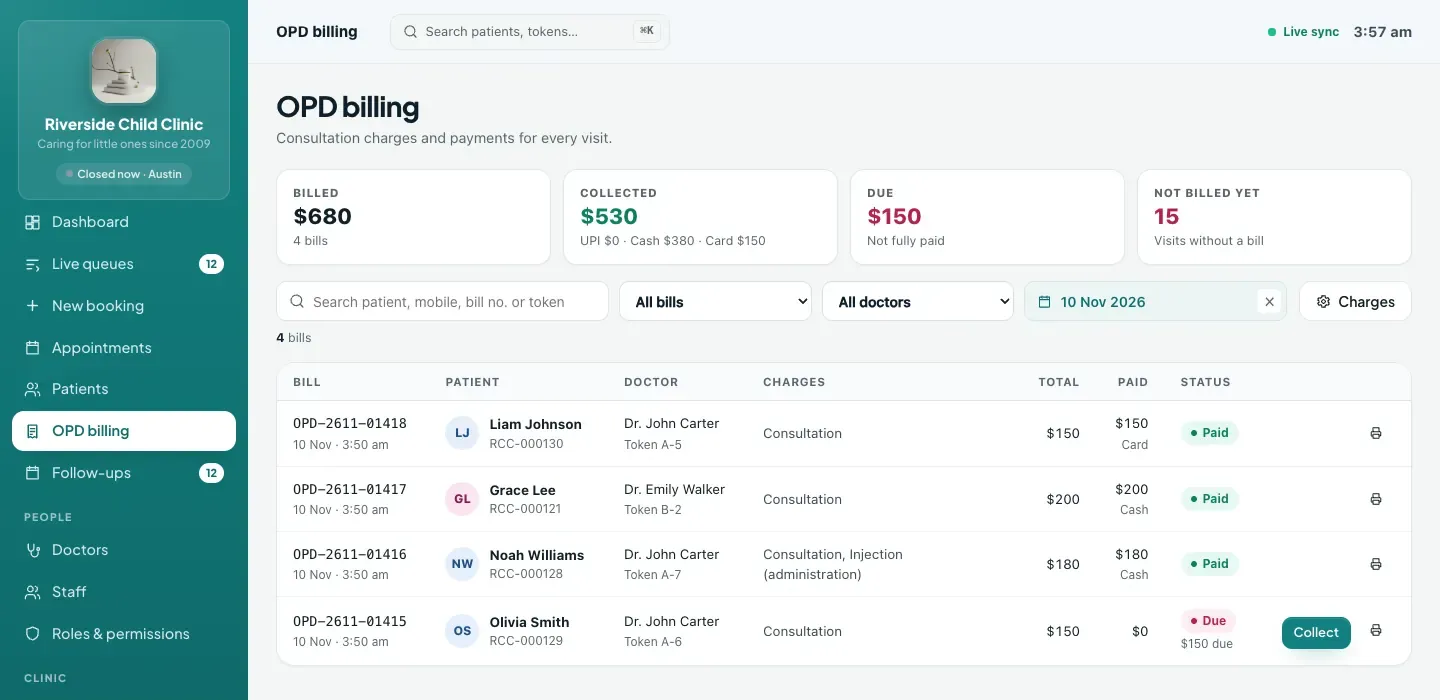
Bills linked to visits
Every bill should belong to a specific token or visit, with the patient and doctor attached. That makes it easy to see who was seen but not billed, and stops the same visit from being billed twice.
Consultation fees: new visit and follow-up
Most Indian clinics charge less, or nothing, for a follow-up within a set period. The software should suggest the right fee automatically by checking the patient's last visit with that doctor. For example, a doctor might charge ₹600 for a new consultation and ₹300 for a follow-up within 7 days. Reception should not have to work that out by hand.
A price list of services
Dressings, injections, nebulisation, procedures, certificates: whatever your clinic charges for, keep it in a services list with prices so reception adds it in one click and charges the same amount every time.
Discounts with control
Discounts are part of clinic life, for staff families, hardship cases or senior citizens. The goal is not to stop them but to make them visible: every discount with a reason, and larger discounts approved by someone with authority.
Payments in every mode
Cash, UPI, card and other modes, with a reference number for UPI and card so payments can be matched to a bank or app statement later. Part payments should be recorded properly, leaving a clear amount due.
Receipts and day-end summary
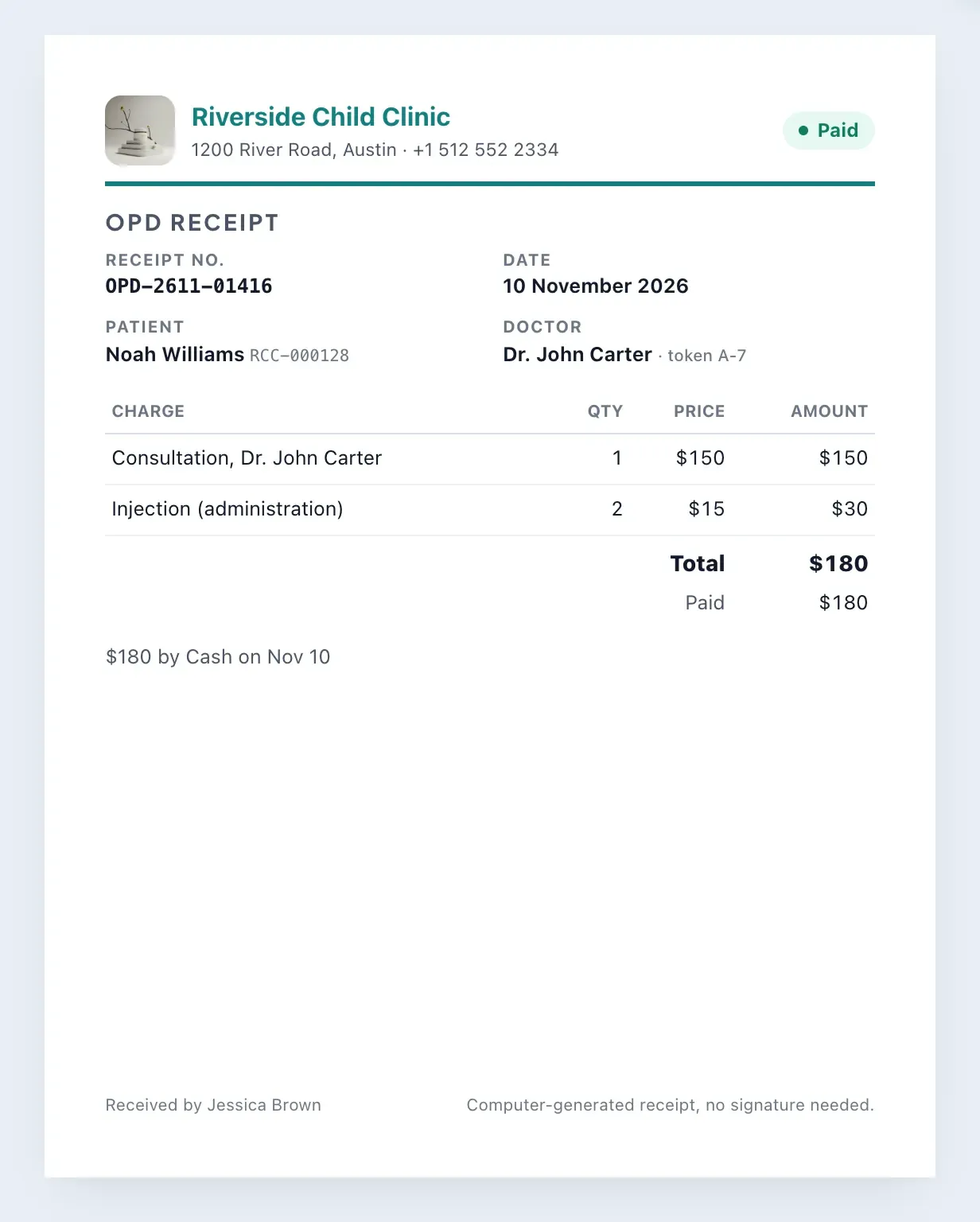
A clean receipt for the patient, and a summary for the clinic showing what was billed, what was collected and how it was paid.
Paper billing vs spreadsheet vs OPD billing software
| Task | Receipt book | Spreadsheet | OPD billing software |
|---|---|---|---|
| Follow-up fee | Reception remembers or asks | Look up the last visit manually | Suggested from the patient's last visit and the doctor's follow-up window |
| Discount control | Verbal | A column, if someone fills it | Reason required; above the limit needs manager permission |
| UPI reference | Rarely written | Sometimes | Required for UPI and card payments |
| Part payments and dues | Easily forgotten | Possible, but manual | Tracked per bill as part paid or due |
| Cancelled bills | Torn out or crossed through | Row deleted | Cancelled with a reason, refund recorded, history kept |
| Day-end totals by mode | Count and add by hand | Formulas, if kept up to date | Automatic summary for any date range |
Setting up fees and services: step by step
- Set each doctor's consultation fee. The new-visit fee, plus a follow-up fee if the doctor charges differently for follow-ups.
- Set the follow-up window. How many days after a visit a return counts as a follow-up, for example 7 or 15 days.
- Build your services list. Every chargeable item with a fixed price. Start with the ten most common and add more as they come up.
- Set your discount limit. A percentage of the bill above which reception needs a manager's approval.
- Decide who can do what. Who can create bills, edit them, give larger discounts and cancel bills. Assign these through roles.
- Agree on payment references. Train staff to enter the UPI transaction reference or card slip number with every non-cash payment.
Want a second opinion on your fee structure and discount rules? Talk to our team and we will set them up with you.
Discounts without delays at the desk
A good discount policy protects revenue without making patients wait. Here is a simple model that works for most clinics:
- Every discount needs a reason, written down at the moment it is given.
- Small discounts are fine at the desk, up to a limit you set.
- Larger discounts need someone with manager permission, who can apply them from their own login.
- A discount can never exceed the bill total.
- Every discount appears in the activity log, so owners can review them weekly.
Because the limit is a rule in the system, reception does not need to phone the owner for every case. Only exceptions need attention.
Part payments, dues and refunds
Part payments
When a patient pays part of the bill, record the amount and mode. The bill shows as "part paid" with the remaining amount due. When they pay the rest, add a second payment to the same bill, and the receipt reflects both.
Dues
Filter bills by state to see everything still due or part paid. Review this list weekly; outstanding amounts are easy to forget otherwise.
Editing and cancelling
Bills can be corrected, but never reduced below what has already been paid. If a bill must be cancelled, give a reason; any money received is recorded as refunded, and the visit can receive a new, correct bill. Nothing disappears from the history.
Closing the day
End-of-day reconciliation should take minutes, not an hour. A useful routine:
- Open the billing summary for today.
- Compare cash collected with the cash drawer.
- Compare UPI and card totals with the payment app and card terminal, using the references on each bill.
- Check the list of patients seen today against bills, so nobody left without a bill by mistake.
- Note any bills still due, and who will follow up.
The summary counts bills by visit date and money by the day it was actually received, so a payment collected today for last week's visit shows up in today's cash.
Common OPD billing mistakes to avoid
- Billing at the end of the day. Create the bill when the patient pays, not from memory at closing time. Late billing is where most gaps appear.
- Free-text services. If reception types "dressing" with a different price each time, your totals become meaningless. Put every recurring charge in the services list.
- Skipping payment references. A UPI payment without a reference is very hard to trace when a patient says they paid. Make the reference a habit from day one.
- Setting the discount limit too low. If every small courtesy discount needs a manager, staff will find workarounds. Set a limit that covers routine cases and review the log instead.
- Deleting instead of cancelling. Cancelling with a reason keeps the history and records any refund. Owners should be wary of any process that makes bills disappear.
- Not reviewing dues. Part payments are easy to forget. A weekly look at bills still due keeps outstanding amounts from quietly growing.
How ClinicWorkFlo helps
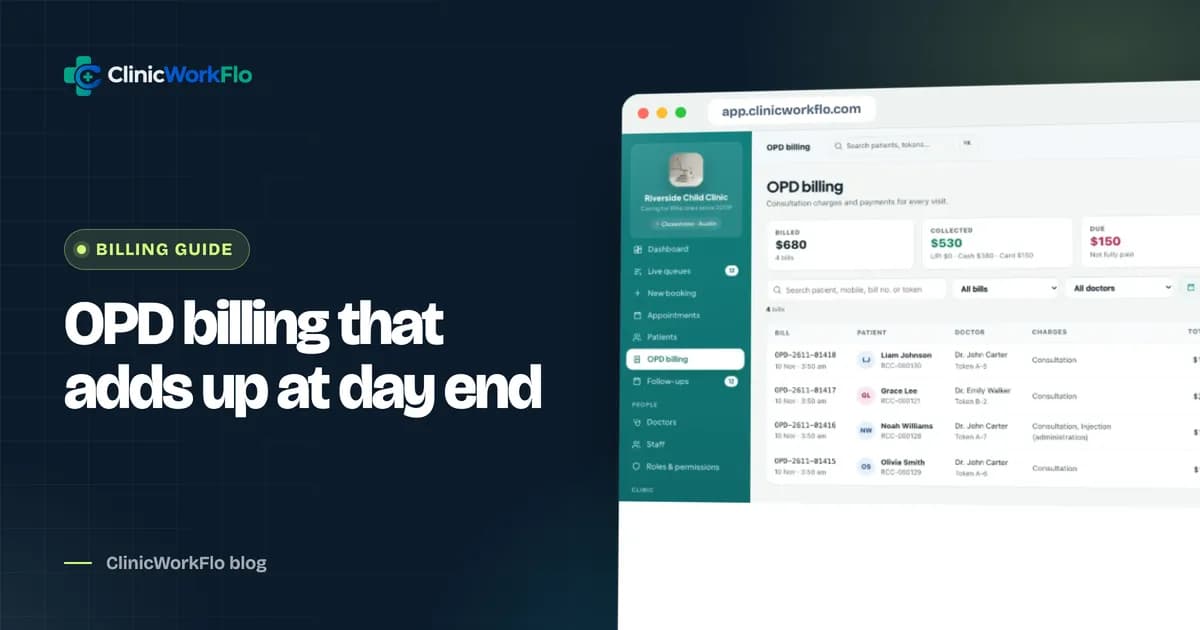
ClinicWorkFlo's OPD billing is built into the same system as the queue and the consultation, so every bill is attached to a real visit. It includes:
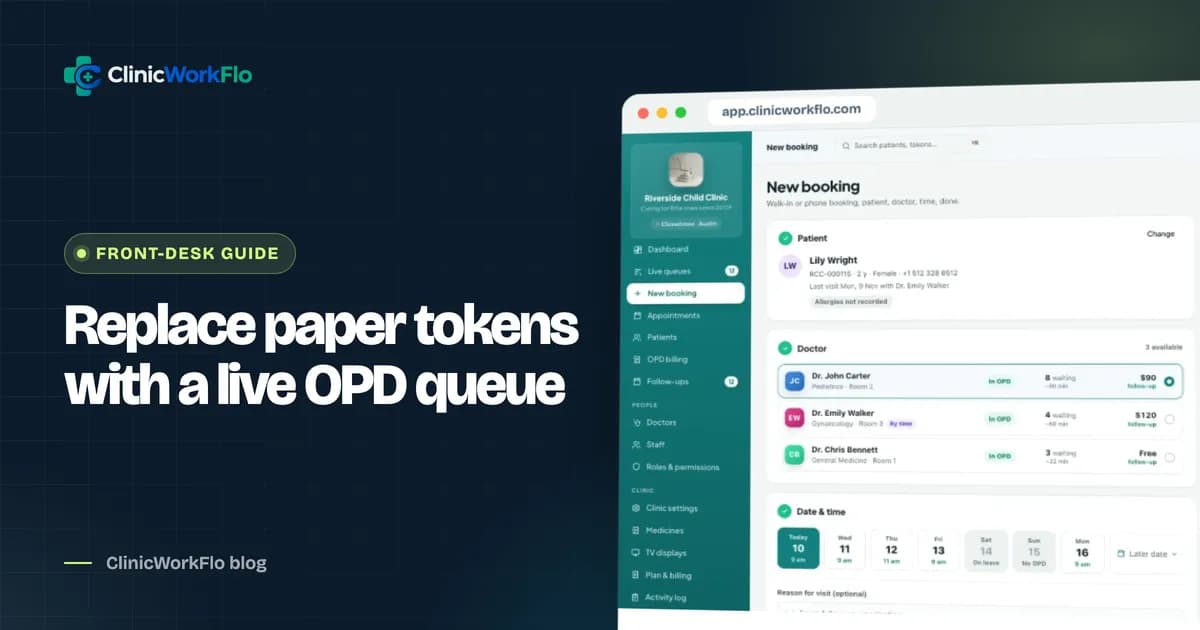
- A bill per visit, opened from the token, with one active bill per token so nothing is billed twice.
- Automatic consultation fee: the doctor's new-visit or follow-up fee, based on the patient's last visit and the doctor's follow-up window.
- A services price list you manage, added to bills in one click.
- Discounts with a reason, and discounts above your clinic's limit only by users with OPD billing manage permission.
- Payments by cash, UPI, card or other, with references for UPI and card, part payments and a clear amount due.
- Numbered bills and A5 receipts in your local currency.
- Cancellation with a reason and recorded refunds, with full history in the activity log.
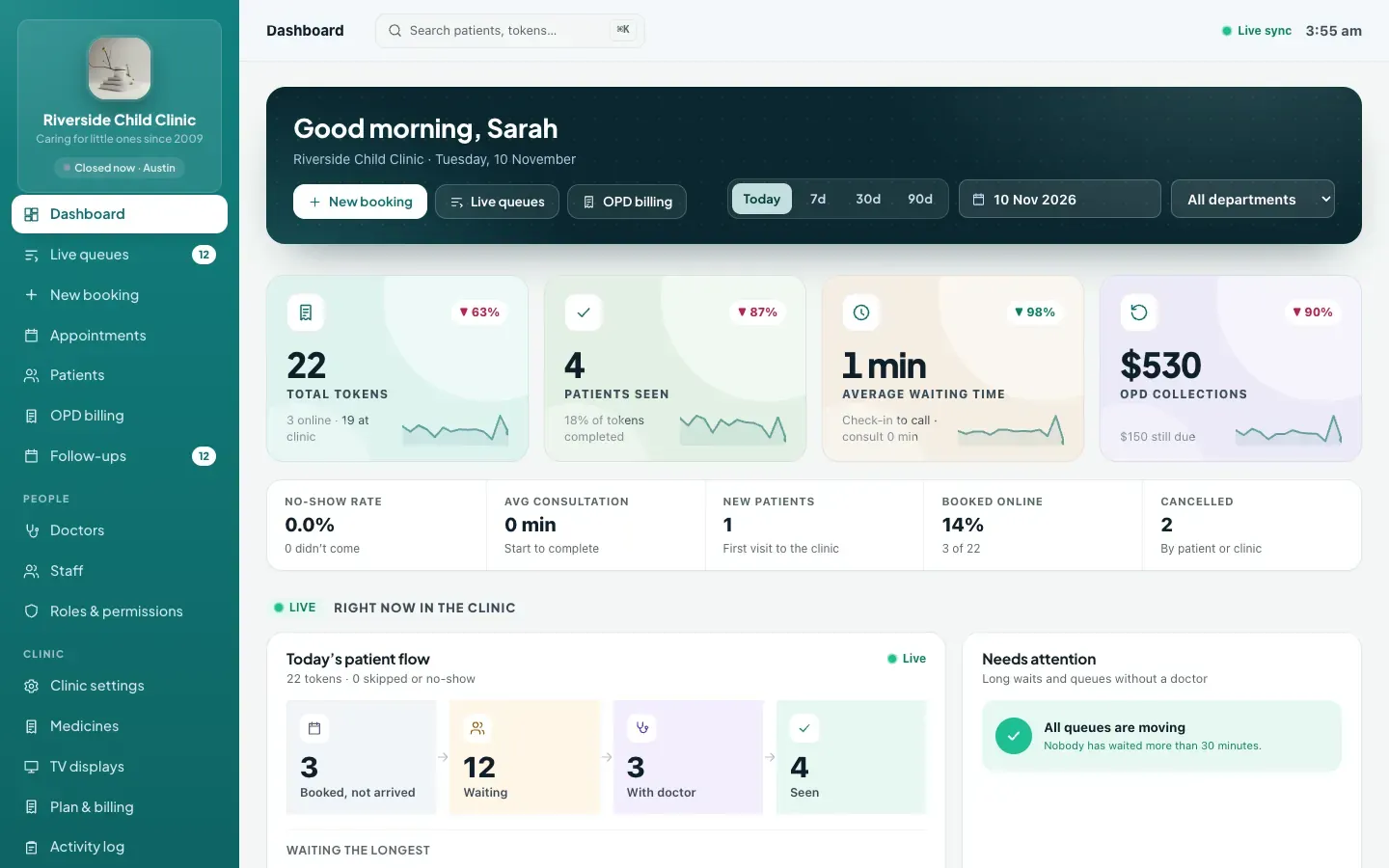
- A billing summary by date range and doctor, with totals by payment mode, plus billed, collected and due figures on the dashboard.
ClinicWorkFlo records payments the clinic receives at the desk. It does not process payments online, connect to insurers or generate tax filings; it gives you clean, consistent records for your accountant.
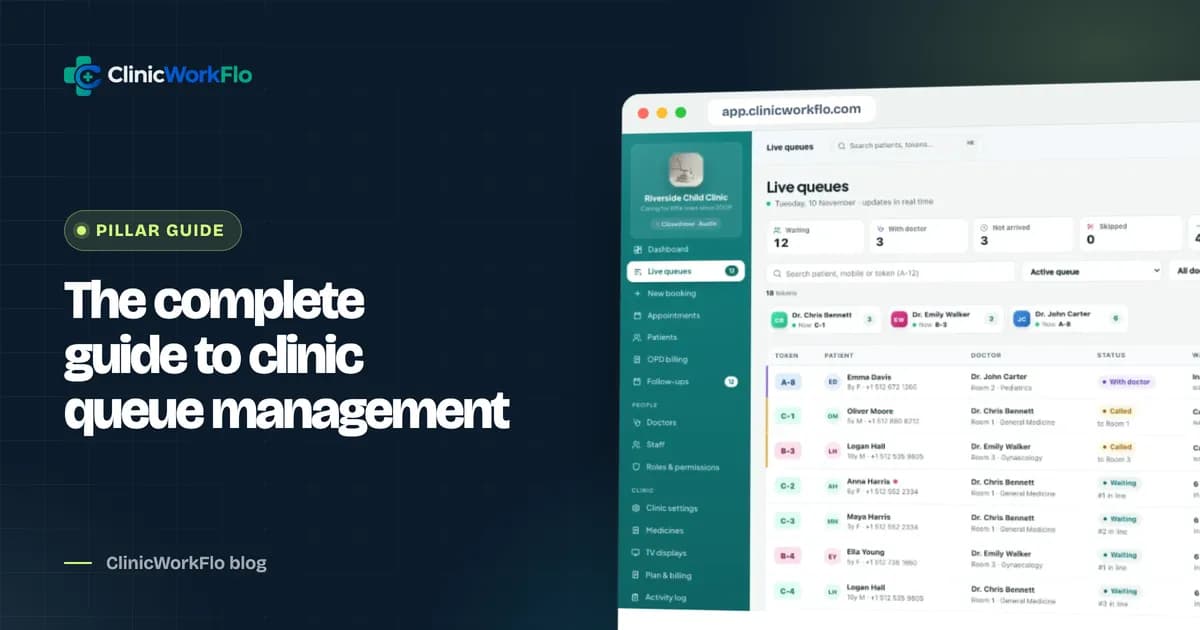
Billing sits at the end of the OPD journey. Read our clinic queue management system guide for the full flow, digital prescription software for the consultation before the bill, and multi-doctor clinic management software for roles and permissions around money.
See how a full day's billing reconciles in a few minutes: book a 30-minute meeting and we will walk through it with your fee structure.
Frequently asked questions
What is OPD billing software?
OPD billing software creates and manages bills for outpatient visits: consultation fees, services, discounts and payments. It links each bill to the patient's visit and doctor, produces receipts, and summarises what was billed and collected over any period.
How does the software decide between a new-visit and a follow-up fee?
Each doctor has a new-visit fee, an optional follow-up fee and a follow-up window in days. When a bill is opened, ClinicWorkFlo checks the patient's last visit with that doctor and suggests the follow-up fee if it falls inside the window. Reception can still adjust it.
Can we record UPI and card payments?
Yes. Payments can be recorded as cash, UPI, card or other. UPI and card payments need a reference number, which makes it easier to match them against your payment app or card terminal statements later.
How are large discounts controlled?
Every discount needs a reason and cannot exceed the bill. Your clinic sets a discount limit as a percentage of the bill; anything above it can only be applied by a user whose role has OPD billing manage permission, and every change is logged.
Can patients pay part of the bill now and the rest later?
Yes. Record the amount paid now, and the bill shows as part paid with the balance due. Later payments are added to the same bill, and the receipt shows each payment.
Does ClinicWorkFlo collect payments online from patients?
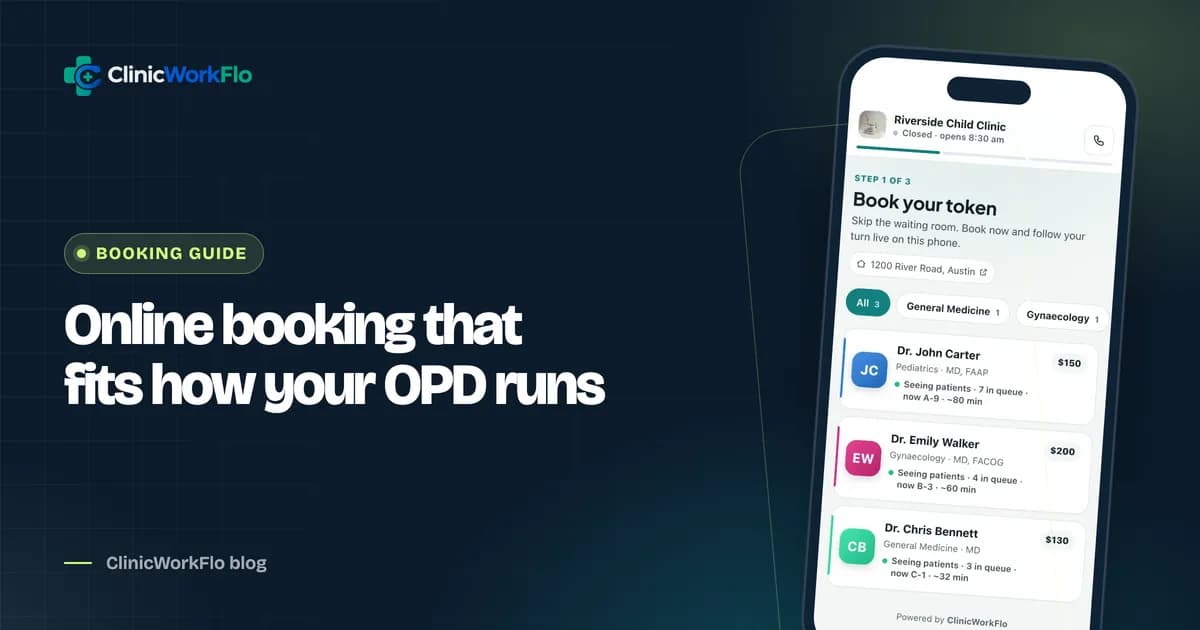
No. ClinicWorkFlo records payments received at the clinic by cash, UPI, card or other modes. Patients see the consultation fee when booking online and pay at the clinic.
Conclusion
OPD billing software does not need to be complicated. Link every bill to a visit, let the system work out new-visit and follow-up fees, keep services in a price list, make discounts visible, record every payment with its mode and reference, and close the day from a summary instead of a calculator. The result is fewer leaks, fewer arguments and an owner who knows where the money is.
To review your billing process with us, contact us or schedule a 30-minute meeting. You can also book a free demo of the full OPD workflow.